

Calcvera
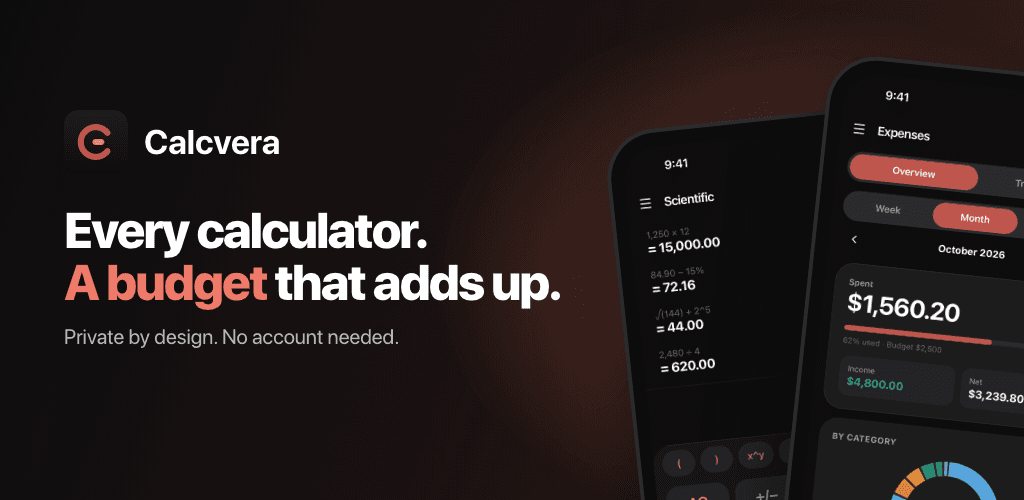
Every calculator. A budget that adds up.
Calcvera is a calculator suite and a budget tracker in one private app. Every calculator you need, plus an expense tracker that reads your receipts and shows where your money goes. No account, no sign-up, no cloud.
- iOS
- Android


Features
Every calculator. A budget that adds up.
Every calculator you need
- Scientific calculator with history and favourites
- Currency converter with free live exchange rates
- Unit converter: length, weight, volume, area, speed and data
- Percentage, discount, VAT and tip calculators
- Loan calculator with equal installments, equal principal and grace months
- Unit price comparison, BMI & BMR, age and GPA calculators
A budget that adds up
- Set a monthly budget and see what is left at a glance
- Track expenses and income with clear charts by category
- Week, month and year views with search and category filters
- Spend in any currency: foreign expenses convert to your home currency
Smart, on your phone
- Quick add in plain words: type "coffee 4.50 yesterday" and it fills itself in
- Auto-category suggests the right category as you type
- Insights spot spending that runs above your usual and repeat bills
- Scan receipts with your camera; text is read on your device, never uploaded
Private by design
- No account and no Calcvera server
- Your data stays on your phone
- Export to CSV, back up and restore whenever you like
Calcvera Pro
Remove ads, unlock unlimited receipt scans (10 free per month) and the month-end spending projection. Choose monthly, yearly or a one-time lifetime purchase.
Subscriptions renew automatically unless cancelled at least 24 hours before the end of the current period. Manage or cancel any time in your store account settings.
Support
Something not covered here? Email us and we'll get back to you.
contact@evolveratechnologies.comIs my data uploaded?
No. Calcvera has no account and no server. Your expenses, budgets, history and settings stay on your device, and receipt photos are read on the device and never uploaded.
How do I restore Calcvera Pro?
Open the paywall in the app and tap "Restore purchase". Use the same App Store or Google Play account you bought Pro with.
How do I cancel my subscription?
Subscriptions are managed by Apple or Google. Cancel any time in your App Store or Google Play account settings, at least 24 hours before the current period ends.
How do I back up my data?
Go to Settings, then Backup. Backups are files you create and keep yourself; we never receive them.